Just say “Hey Grok”
Ask anything and it answers out loud, through your own Grok Bot. Then keep talking: it listens a few seconds more for your next question.
Meet Korgi Ball.
A little round ball for your desk, with a face. Say “Hey Grok”, ask anything, and it answers out loud with your own Grok Bot.
Pre-order the kit and build your own. Rather have one ready-made?
Ask anything and it answers out loud, through your own Grok Bot. Then keep talking: it listens a few seconds more for your next question.

Unplug it and carry it to the kitchen or the couch. It keeps talking over Wi-Fi.
It looks around while it thinks, answers happy or curious, and winks or laughs between questions.

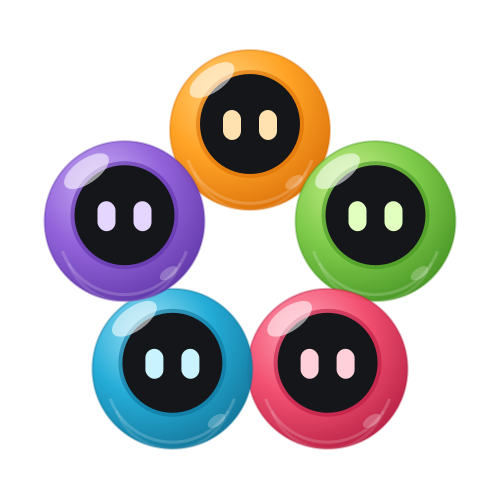
Pick the color of its face to suit your desk, or your mood.

Roll it across the floor: “Wheee!” Roll it a long way: “Whoa! I’m dizzy.” Toss it in the air: “Yippee!”
Ask a yes-or-no question and give it a shake. An answer floats up from the deep. You can even write its answers.
“Set a timer for 10 minutes.” The time left runs round its face, and it chimes when it’s done.
In the hours you pick, it shows the time softly instead of going dark. “What time is it?” works too.
Talking when you need quiet? Touch it once and it stops right away.
“Go to sleep.” It says good night, gets sleepy eyes and goes dark. A touch wakes it.
Your Mac turns your voice into words and speaks the answers. Only your question goes to your Grok Bot.
The app and the ball update themselves when they’re quiet, so it keeps getting better.

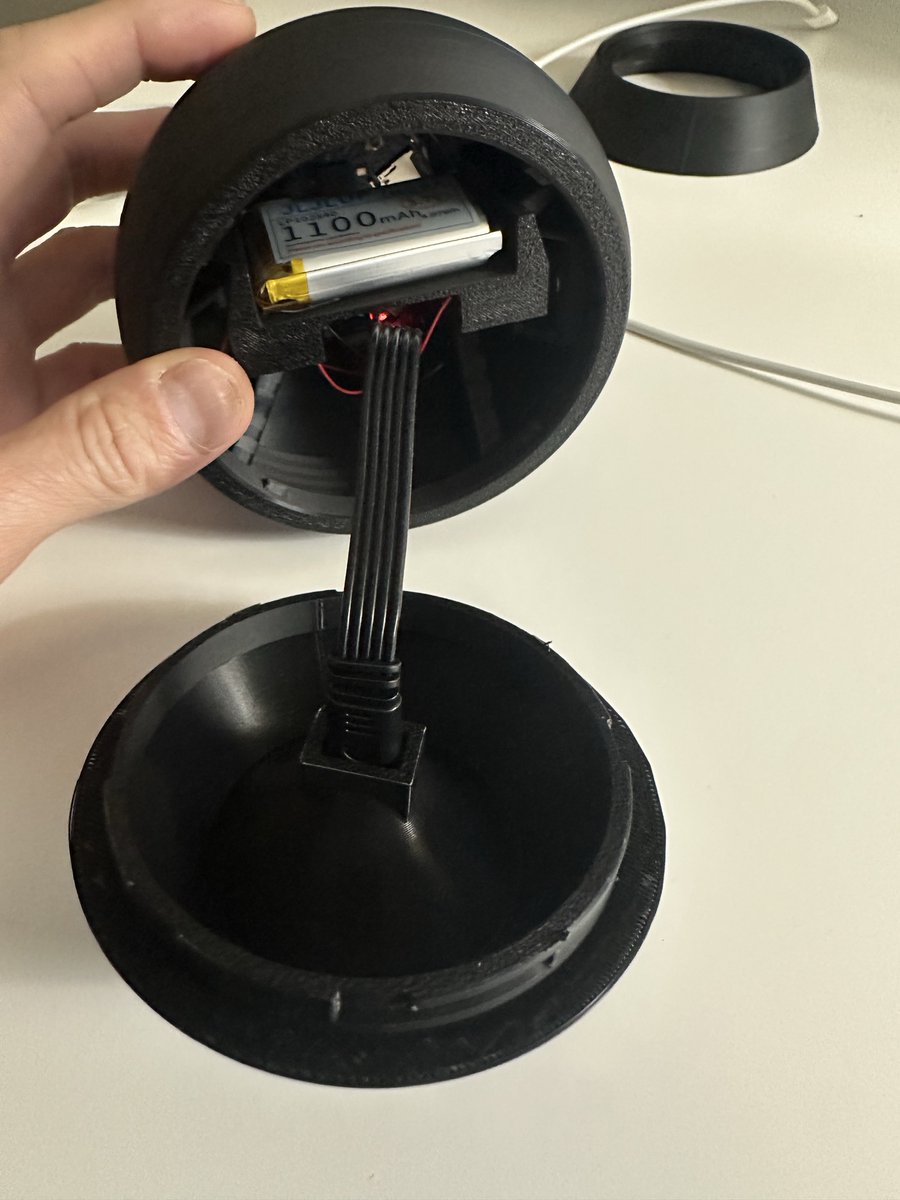
Our kit has everything except the board and the battery. Add a Waveshare board and build your own in under an hour. No soldering.
Now, if you build it yourself: pre-order Build-a-Korgi. A finished ball is on the way; leave your email to hear first.
The Build-a-Korgi kit is $49, and you add a Waveshare board. We haven’t set a price for the finished ball yet; people who leave their email hear it first.
Yes, a Mac for now; Windows is in the works. The Korgi Ball app on your computer does the listening, asks your Grok Bot, and speaks the answer. The ball reaches it over Wi-Fi.
Yes. Korgi Ball talks with your own Grok Bot when you say “Hey Grok”.
They’re the colors we’d love to make. Our prototypes have been black, yellow and brown, so the final colors may change.
It’s “i grok” spelled backwards. To grok something is to understand it deeply.
A finished Korgi Ball, with everything inside, is on the way. Leave your email and you’ll hear first.